_PNG.png)
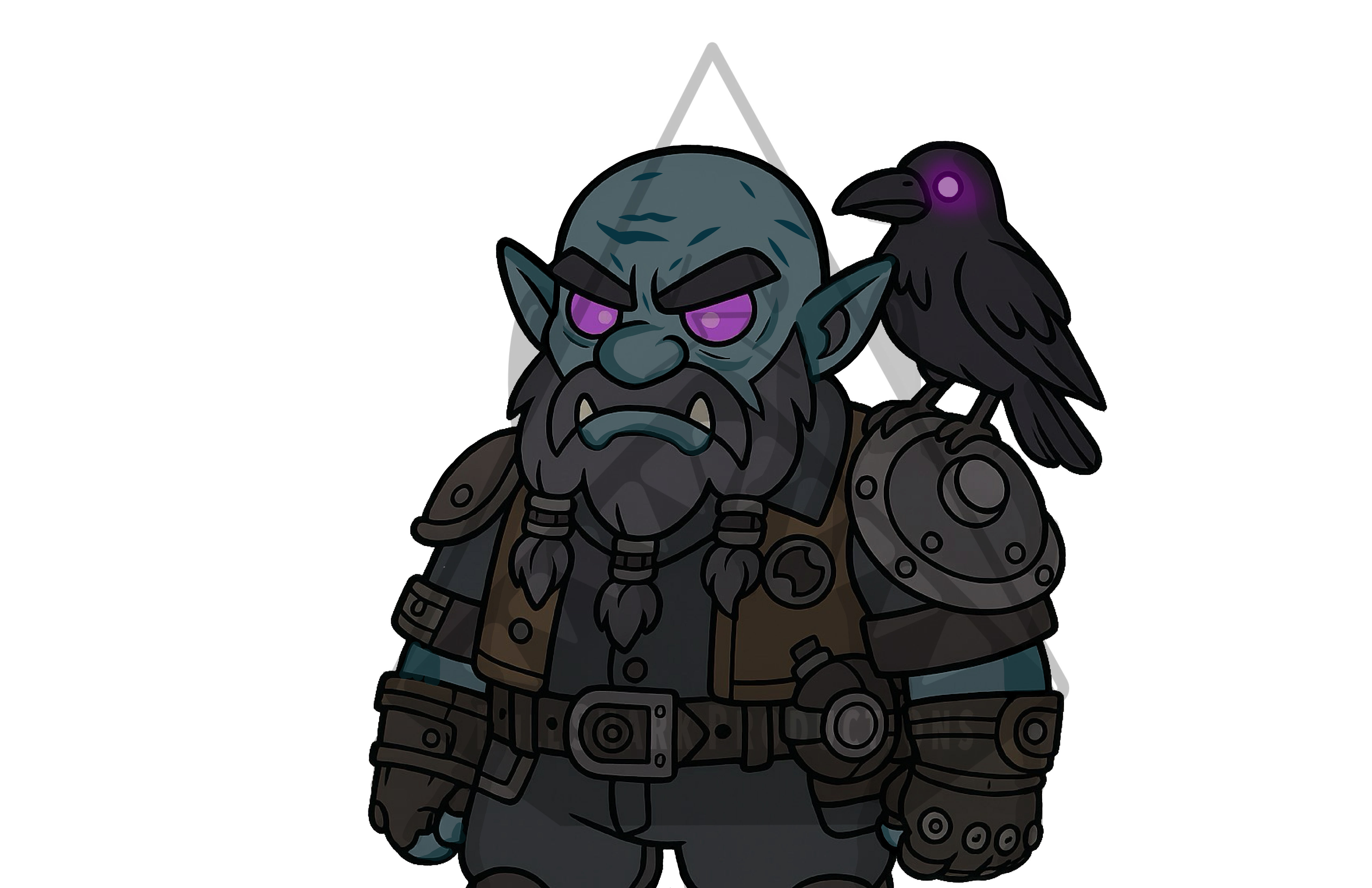
Steam Punk Dwarf Digital Artwork
$50.00Price
How to Download and Open Your Files
- Download the ZIP File:
Click the download link provided. The ZIP file will start downloading automatically to your computer, phone, or tablet. - Find the Downloaded File:
Once the download is finished, check your Downloads folder (or the location you usually save files). The file name will end with .zip. - Open or Unzip the File:
- On a computer: Double-click the ZIP file to open it, or right-click and choose Extract All to unzip it.
- On a phone or tablet: You may need an app that can open ZIP files. Most devices will suggest one automatically.
- Access Your Content:
After unzipping, you’ll see a new folder with all your files inside. Open that folder to view, save, or use your downloads.